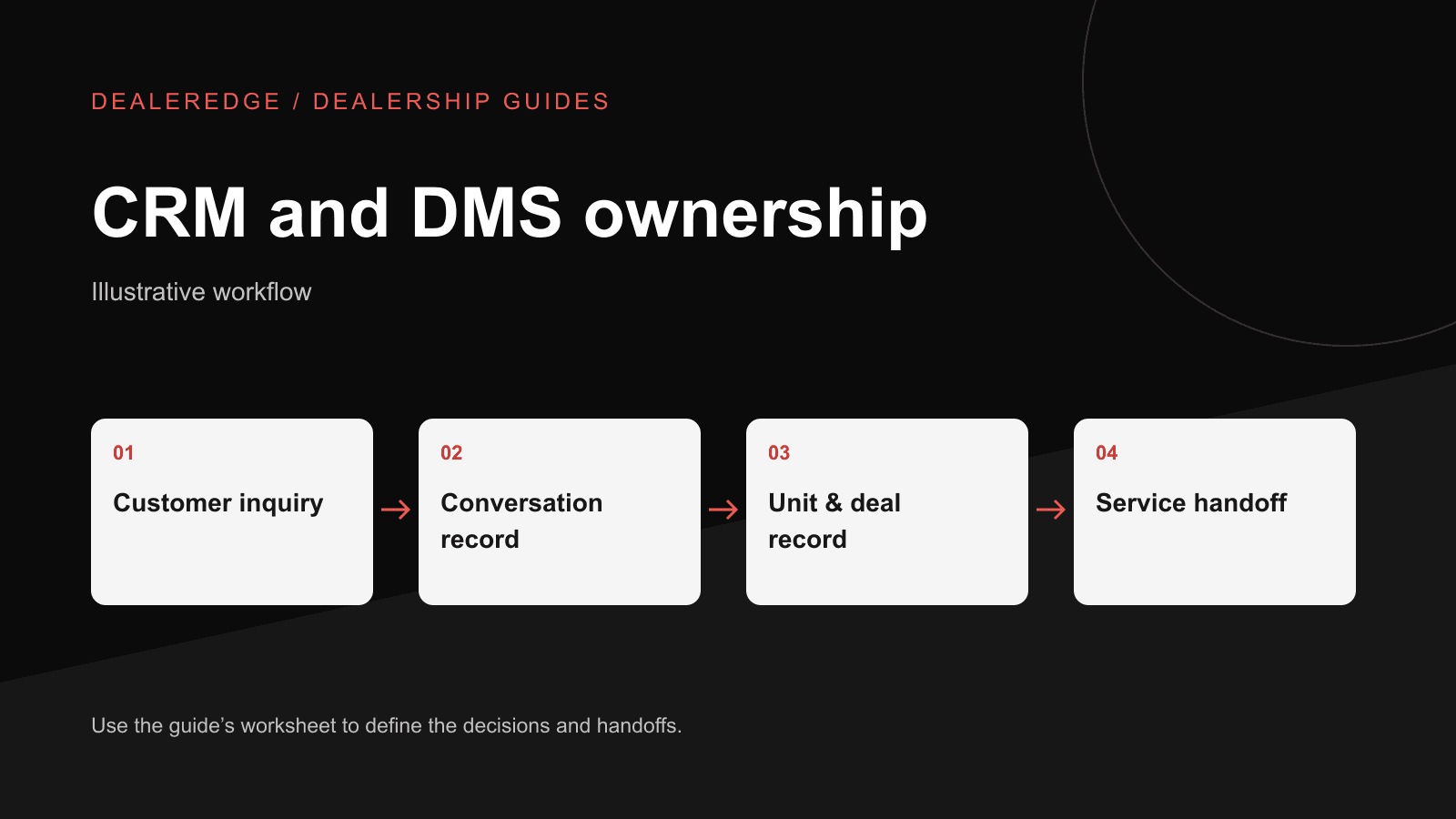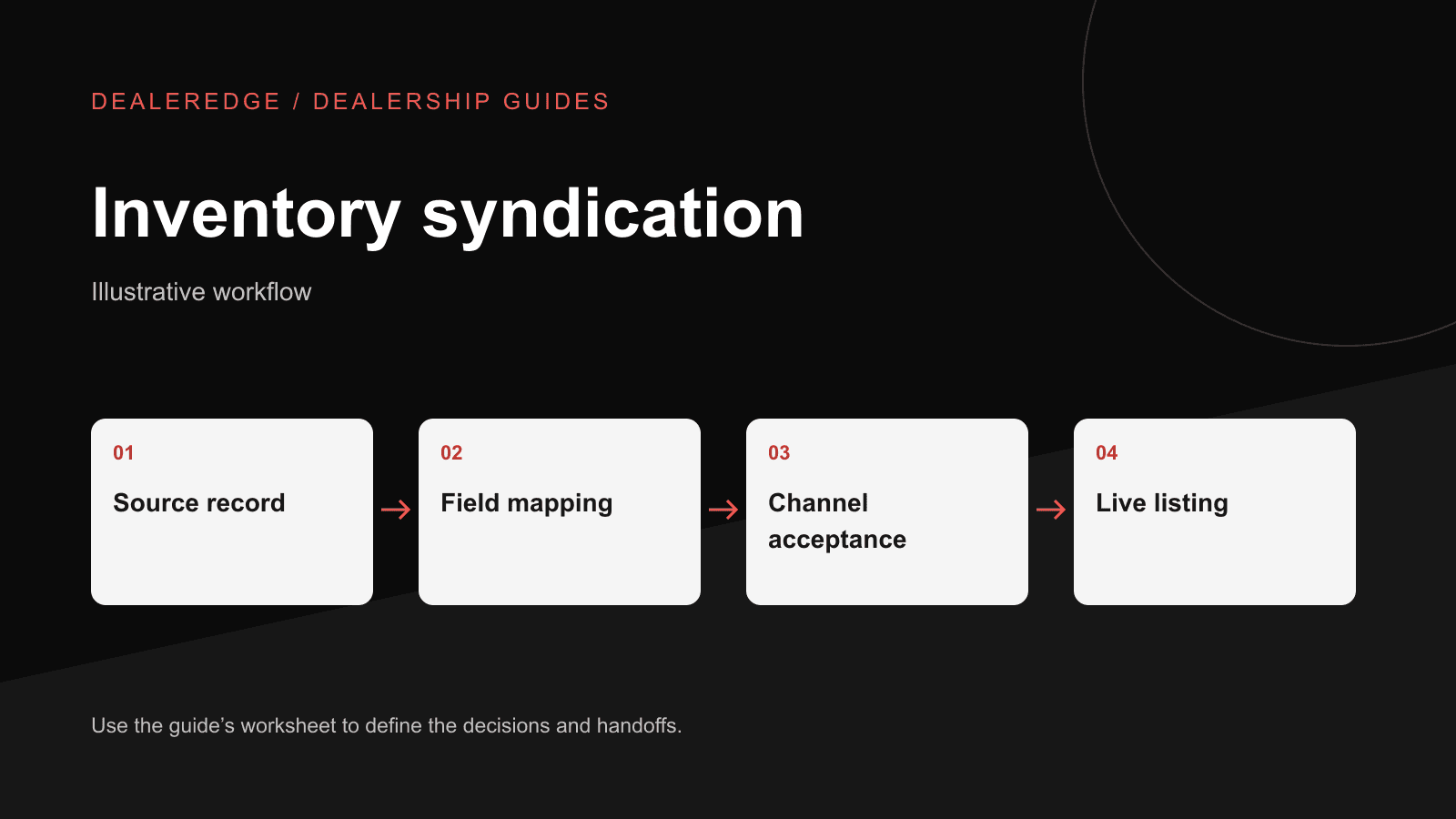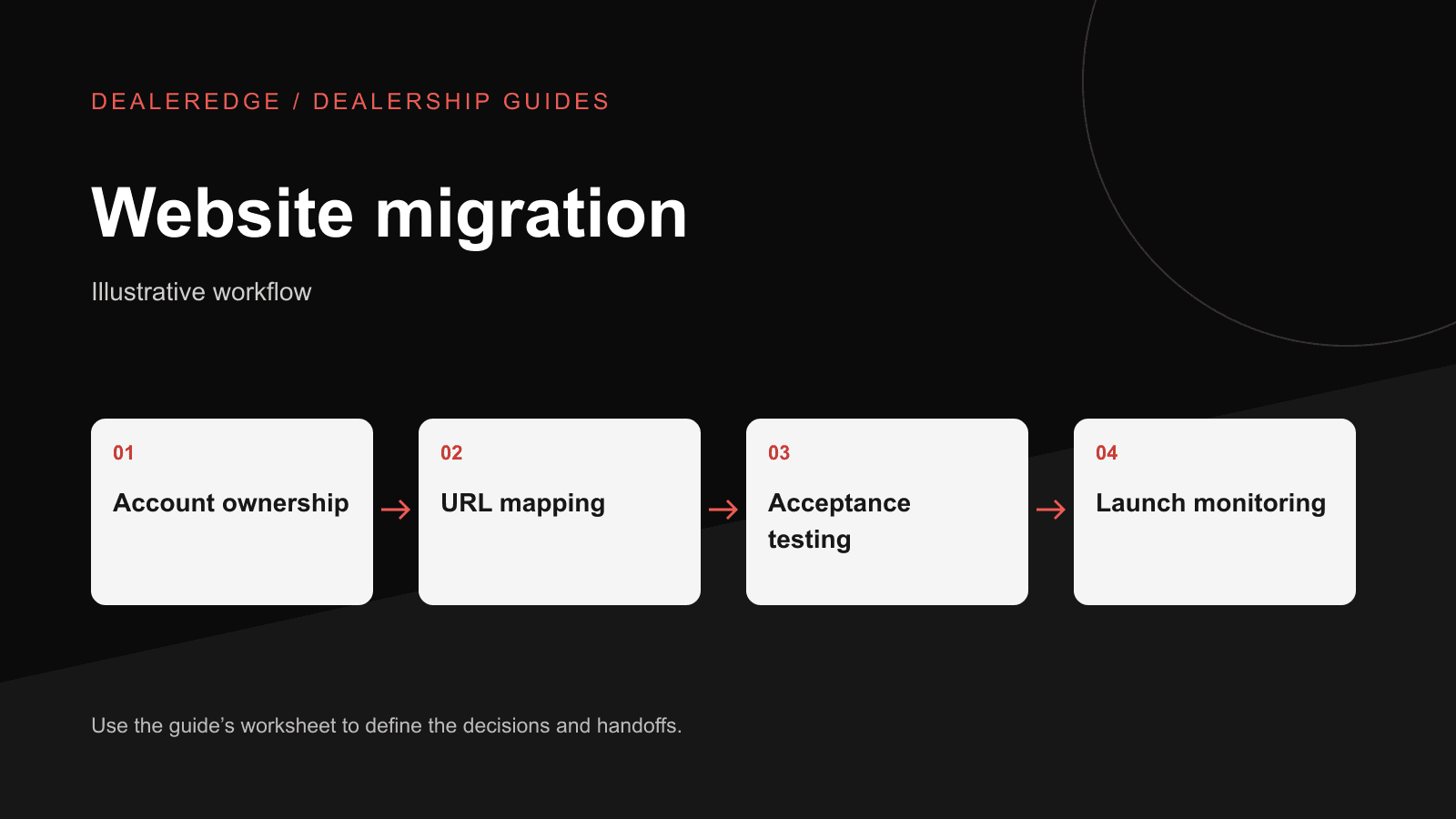
A design review won't catch the problems that cost you conversations after a website switch:
- A trade-in form that emails a salesperson who left two years ago.
- A tracking number that no longer rings the sales floor.
- A sold boat that still shows as available.
- An old listing link from a manufacturer locator that now lands on an error page.
These failures may not be obvious on launch day, and they can show up later as fewer calls and fewer form leads. This plan is for a general manager who is evaluating a new provider or has already signed. It covers who owns each account, what has to keep working, and what evidence to collect before approving the switch. For a broader review of your current site, use our dealership website audit guide.
Account ownership worksheet
Start with ownership, not design.
Before build work begins, confirm that the dealership controls the accounts the website depends on. Whoever holds those logins decides how cleanly you can leave a provider.
| Asset | What it means for the business | Who should hold admin access | Evidence |
|---|---|---|---|
| Domain registration | Your web address. If you don't control it, you can't move it. | Owner or GM, with the provider added as a user if needed | Registrar shows the dealership as registrant; GM can log in |
| DNS | The settings that point your domain to the website and your email to the mail server | Dealership, or a provider under a written agreement | Export or screenshot of all current records, saved before any change |
| Analytics | Your traffic and lead history, and your before/after comparison | Dealership-owned property, provider added as user | Dealership admin listed on the property |
| Google Search Console | How Google reports crawl and indexing problems after a move | Dealership | Domain verified; dealership user has owner access |
| Call tracking numbers | The numbers printed in ads, listings and signage | Confirm whether the numbers belong to you or sit in the provider's account | Written confirmation of ownership and transfer terms |
| Forms and lead destinations | Where web leads go | Sales or marketing manager | List of each form and its recipients |
| Tag manager, ad pixels, ad accounts | Measurement for paid campaigns | Dealership-owned accounts | Dealership admin on each account |
| Photos, copy, graphics | Content you may want to keep | Check usage rights in the old contract | Media export or written confirmation of rights |
Resolve any unclear row before you give notice. Access is easier to get while the relationship is still cooperative.
Decide whether URLs need to change at all
A URL is the address of a specific page. Yours have been saved by customers, sent in emails and linked from manufacturer locators and other sites. If the new provider can keep your existing URL structure, keep it. New addresses add risk and no benefit.
If URLs must change, Google's guidance on site moves with URL changes covers the core practice:
- Map old URLs to equivalent new pages.
- Don't send unrelated pages to the home page.
- Update internal links and canonical tags.
- Test, monitor, and generally keep redirects in place for at least a year.
The same guidance notes that search visibility can fluctuate during a move. Nobody can promise unchanged rankings. What you can control is whether the map is complete and accurate.
Build the URL inventory first
No single source lists all your old URLs, so pull from several:
- The current XML sitemap
- Landing pages in analytics from at least the past year
- Pages reported in Search Console
- Final URLs in active ad campaigns
- Manufacturer dealer locators and external listing links
- QR codes on printed materials, show signage and window stickers
- Saved email templates your sales team uses
Then mark each URL as keep (same address on the new site), redirect (a genuinely equivalent new page exists), or retire (removed, with no equivalent).
Hypothetical inventory mapping
Stock numbers are useful for people, but they are not always a safe matching key. Some dealerships reuse them over time, and two stores can assign the same one. Keep the public stock number on the listing, but match old and new pages on a stable internal unit ID. If no such ID exists, use a documented key such as location plus stock number plus the date the unit was received.
| Old URL (example.com) | Internal unit ID | New URL | Status at cutover | Action |
|---|---|---|---|---|
| /inventory/used/2019-pontoon-22ft-stock-U19-0412 | UNIT-88213 | /boats/used/u19-0412 | Available | 301 redirect, one-to-one |
| /inventory/new/2025-bowrider-21-stock-N25-0031 | UNIT-90457 | /boats/new/n25-0031 | Available | 301 redirect, one-to-one |
| /inventory/used/2016-center-console-stock-U16-0098 | UNIT-71102 | /boats/sold/u16-0098 | Sold | Keep an accurately marked sold page with links to similar boats |
| /inventory/used/2012-runabout-stock-U12-0007 | UNIT-55019 | — | Sold years ago; page removed | Return 404 or 410, using a helpful custom not-found page |
| /service-department | — | /service | — | 301 redirect, one-to-one |
| /spring-boat-show-2023 | — | — | Expired event | Return 404/410, or keep an archive page marked as past |
Write the sold-unit rule down before launch. A sold unit isn't the same as a category page, so don't redirect it to a loosely related category or to the home page. Search engines can treat those redirects as soft 404s, and shoppers end up confused. Your custom not-found page can still offer links to current used inventory.
Check listings, photos and status with real units
Choose a sample of real units: a new boat, a used boat, one with many photos, one with a long options list, one marked "call for price," and one that recently sold. Compare each one field by field against your source system:
- Source: Does the new site pull from the same inventory source as today? If the source is changing too, treat that as a separate project.
- Identifiers: Are public stock numbers preserved, and is the internal unit ID carried through?
- Photos: Check the primary image, photo order and cropping.
- Condition and options: Check new/used status, engine details and key options.
- Price display: Does it follow your policy on sale price, MSRP, "call for price" and fees?
- Status changes: Test with a designated test record in staging that is excluded from public channels. Don't mark real available inventory as sold to run a test. After launch, record a genuine, authorized status change when one happens.
Form routing and call tracking
A failed form can look successful: the customer sees a thank-you message and the lead goes nowhere. Build a routing matrix and use it at each test pass.
| Path | Recipient | Unit context included | Staging test | Launch test |
|---|---|---|---|---|
| General contact | Sales manager and shared inbox | — | ||
| Unit inquiry | Sales team / CRM | Stock number and unit title | ||
| Trade-in request | Sales manager | Customer's trade details | ||
| Service request | Service department | — | ||
| Parts request | Parts counter | — | ||
| Finance-related form | Whoever owns that process | — | ||
| Main tracking number | Sales line | — | ||
| Service tracking number | Service line | — |
Label test leads clearly, for example "TEST – migration – do not contact." Route them to staff who know the test is happening, so no real customer is contacted. Keep screenshots or exports with timestamps as evidence.
Unit inquiries should carry the stock number, so salespeople don't have to start the conversation by asking which boat. If your team works leads in a CRM, confirm leads arrive there with the correct source. If tracking numbers sit in the old provider's account, settle transfer terms before you cancel.
Keep analytics comparable
- Keep the same analytics property where possible, and record the cutover date.
- Re-create the form and call conversion events, then confirm a test of each one appears in reports. Receiving those test events shows that measurement works. It doesn't show that search engines have indexed the new pages, so monitor indexing in Search Console over the following weeks.
- Update ad final URLs so they point directly at the new pages. Leave any existing auto-tagging in place, and don't add manual tags to ads that are already auto-tagged.
- Google Analytics uses UTM parameters on inbound campaign links to report source, medium and campaign. Keep those tags on external emails, ads and listings. Don't put UTMs on your own site's navigation: internal tags can confuse campaign and event attribution.
A change in leads after launch can come from seasonality, inventory levels or ad spend as easily as from the site.
Rollback: plan for more than DNS
Name one person who can execute a rollback, and confirm the GM has authorized that person to act. Write down:
- Triggers: for example, lead routes failing with no same-day fix.
- Old-site availability: how long the old site stays running. Negotiate this with the old provider in advance.
- Data written after cutover: Leads, form submissions and inventory edits created on the new site after launch must be exported or reconciled. Pointing DNS back to the old site won't bring them across.
- Timing: DNS changes don't take effect instantly. Cached records and browsers can keep sending some visitors to the new site for a while. Ask whoever manages DNS whether to lower record TTLs ahead of cutover.
- Backups: confirm a current backup of both sites exists and that restoring it has actually been tested.
Staged go/no-go
Use these as recommended gates and adapt them to your situation.
| Stage | Advance when | Owner | Evidence |
|---|---|---|---|
| 1. Access | Dealership holds domain, DNS, analytics and Search Console; number ownership and export terms are in writing | GM | Logins confirmed; written terms |
| 2. Staging | Inventory sample passes; URL map covers the full inventory; unit ID matching is documented | Inventory manager; new provider | Comparison sheet; map spreadsheet |
| 3. Pre-launch | Each route in the matrix received a labeled test; conversion events recorded; redirects tested; rollback plan reviewed | Sales manager; marketing manager; rollback owner | Timestamped test log; redirect test results |
| 4. Cutover | Low-traffic window (not boat-show week); old site retained; post-cutover data capture planned | GM; rollback owner | Signed cutover sheet |
| 5. First week | Daily form and call tests; old-URL spot checks; Search Console reviewed for not-found errors; failed routes fixed the same day or escalated | Marketing manager | Daily check log |
| 6. 30 and 90 days | Redirects still in place; indexing and errors reviewed; leads by source compared with the prior period, allowing for seasonality | Marketing manager; GM | Short written review |
Plan the handoff with DealerEdge
If DealerEdge is on your shortlist, start with a view of the site you're leaving, then work through the worksheets in this plan.
- 1. Edge Score
- 2. ownership, URL and routing worksheets
- 3. migration conversation
Get my Edge Score. It runs five checks on your current website: local visibility, AI visibility, site quality, speed and AI readiness. It's a starting point, not a full SEO audit, and it doesn't replace the URL inventory or routing tests above.
Ready to discuss the move? Request a private walkthrough with your account ownership worksheet, URL inventory and routing matrix, or first review how onboarding works and DealerEdge integrations.